Product Design
Microsoft - Interactive Learning Experience
Interactive branching video experience and companion microsites - making Azure cloud concepts accessible through scenario-based learning.
The Client
Microsoft Learn is Microsoft’s free online training platform: self-paced modules, learning paths, and documentation covering Azure, AI, Power Platform, security, and more. It’s how millions of developers and IT professionals build skills and earn certifications for Microsoft technologies.
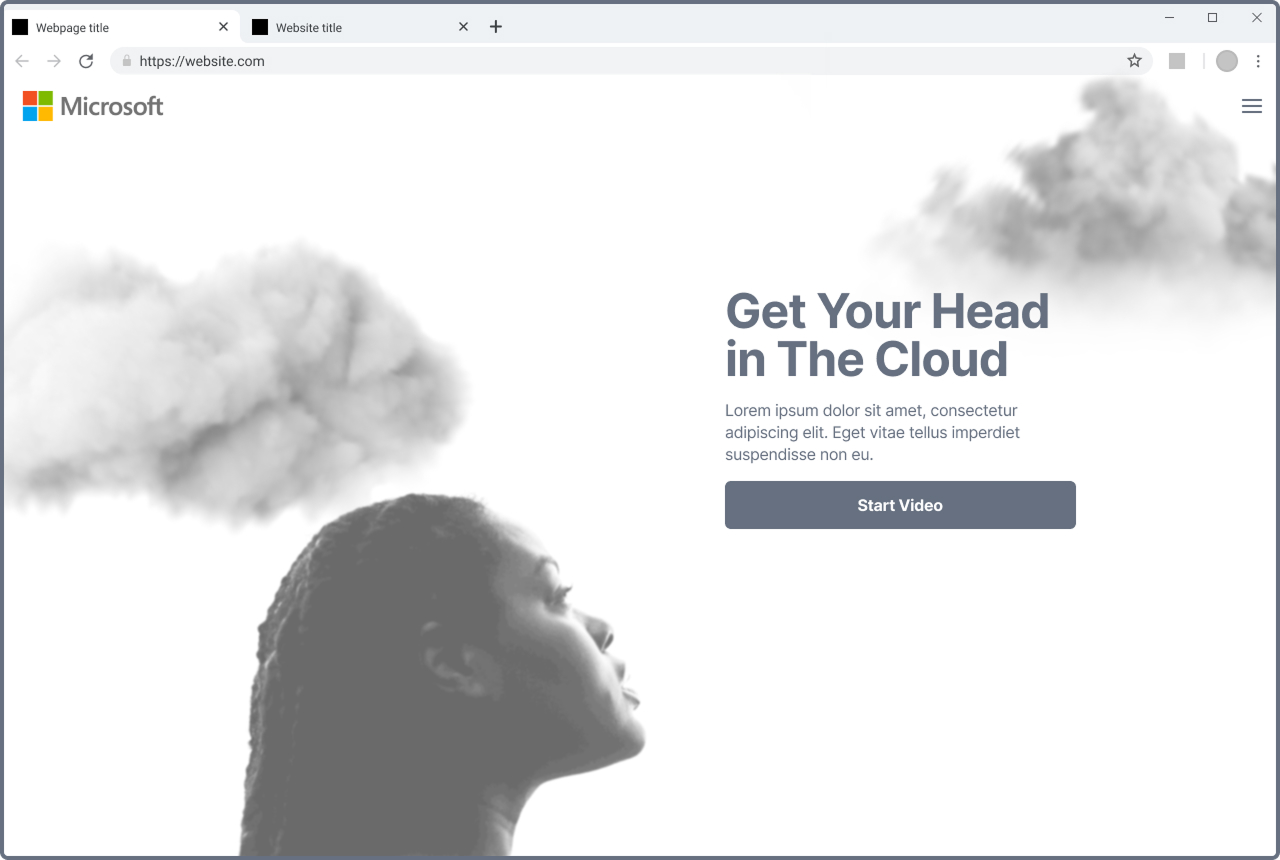
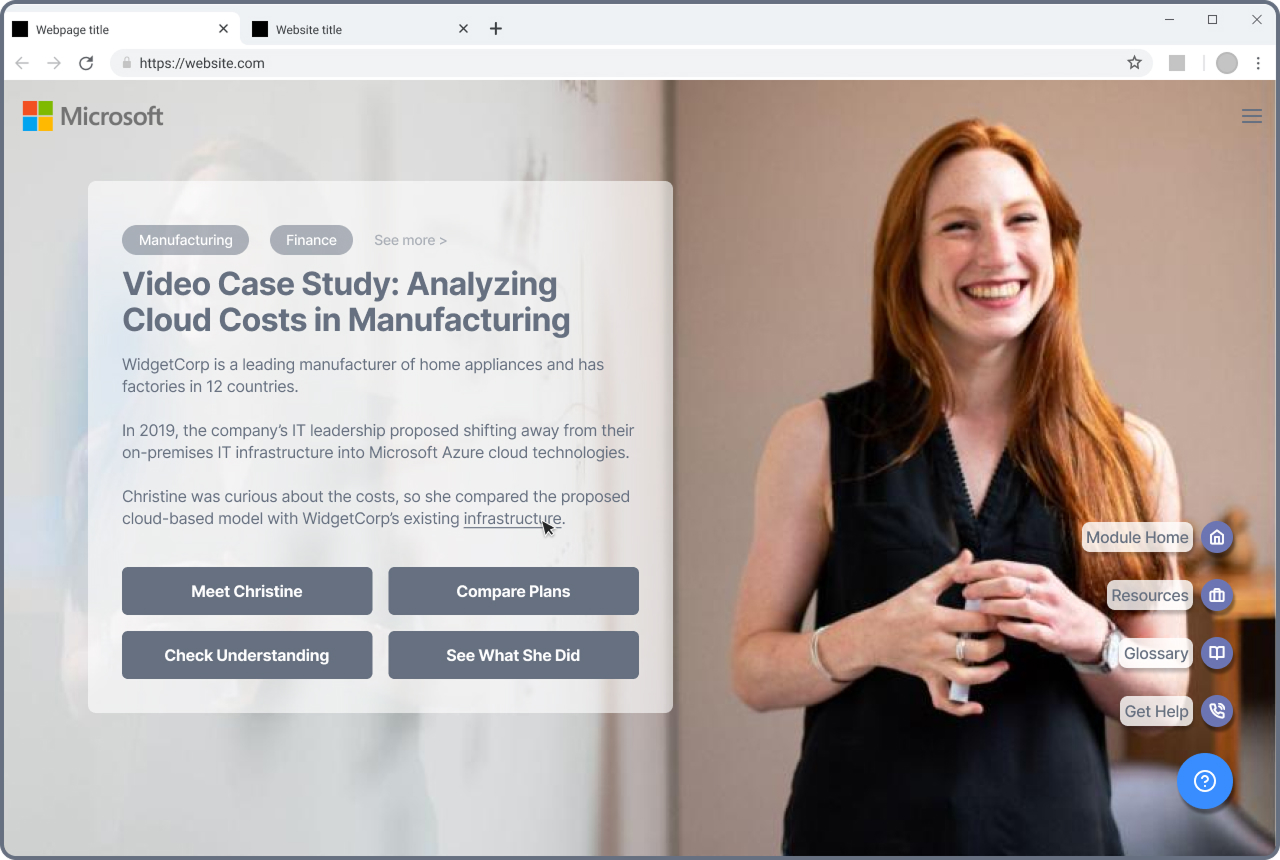
Wireframe of the interactive microsite experience for Microsoft Learn.
The Problem
Microsoft Learn’s Azure and cloud content was almost entirely text-based: dense, hyper-technical documentation that read more like reference material than a learning experience. Engagement was low and learning outcomes for flagship programs weren’t where they needed to be. Microsoft’s learning designers had identified a specific gap: the content assumed a level of cloud knowledge that most users and buyers didn’t have. There was no bridge between “I’ve heard of Azure” and the deep technical modules already on the platform. Our agency was brought in to close that gap.
The Approach
Our learning designers mapped the educational objectives while the full team brainstormed delivery formats that could solve both the engagement and comprehension problems. After presenting several concepts to the Microsoft team, the chosen direction was interactive branching videos paired with companion microsites, letting learners make decisions that shaped their path through the content, with deeper concepts illustrated through dedicated standalone experiences. My role was to take the content plans and design the complete interface: the branching video experience and two microsites.
 1
1 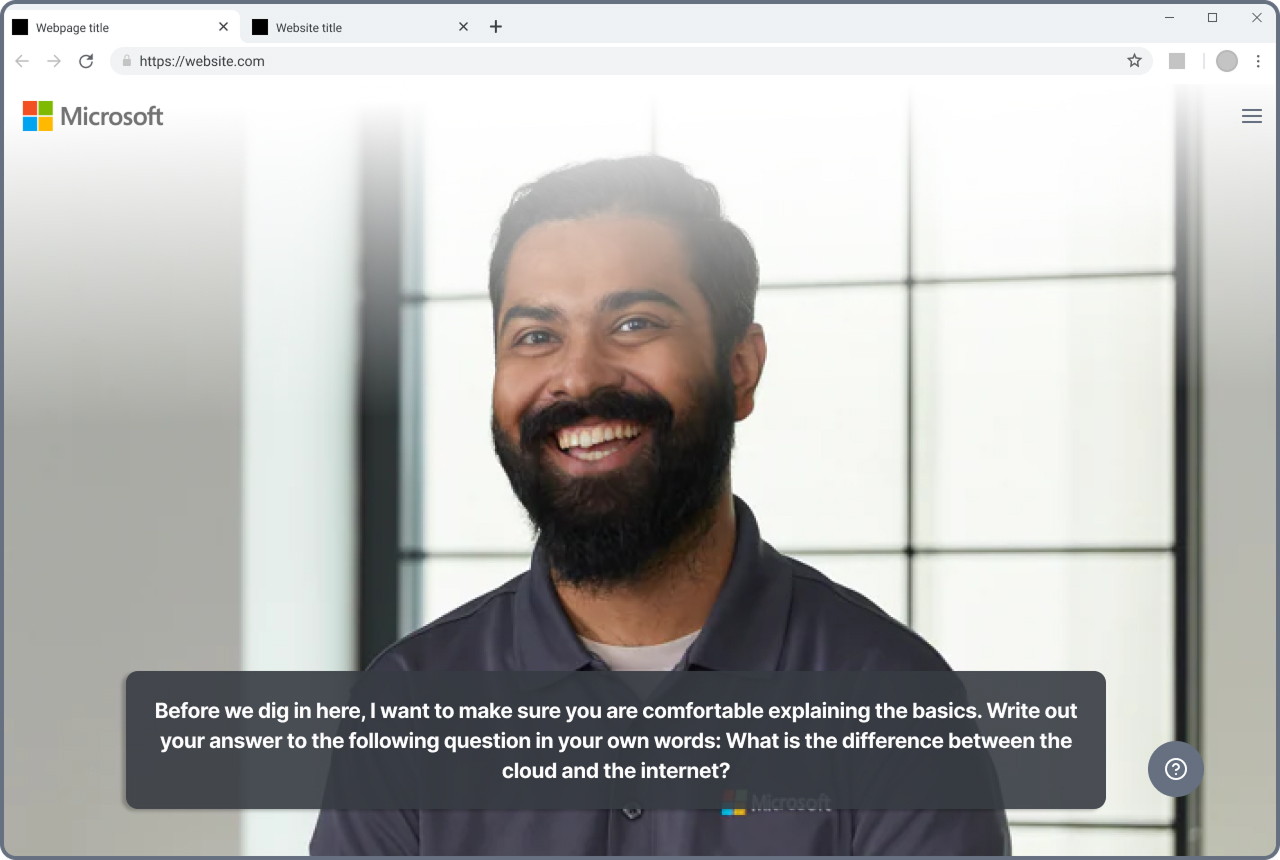 2
2 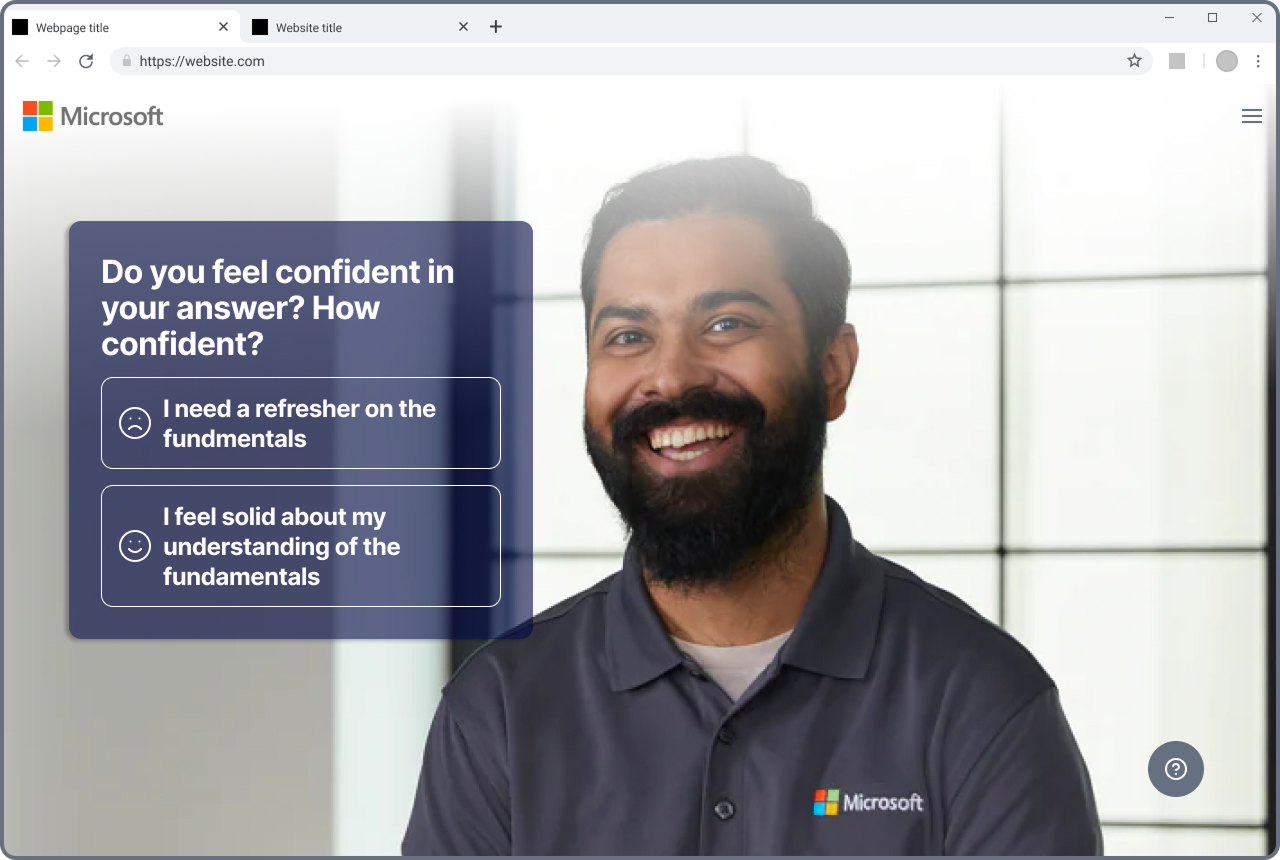 3
3 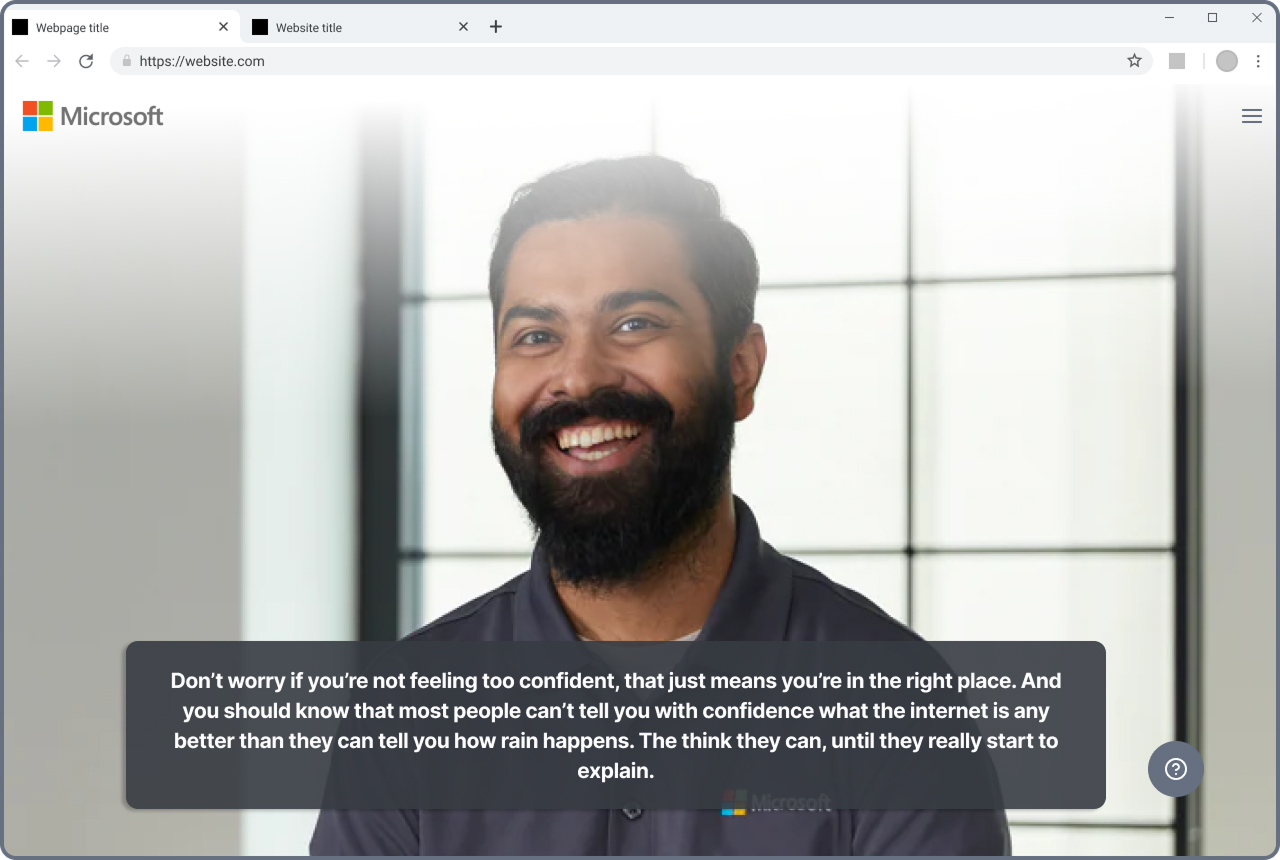 4
4 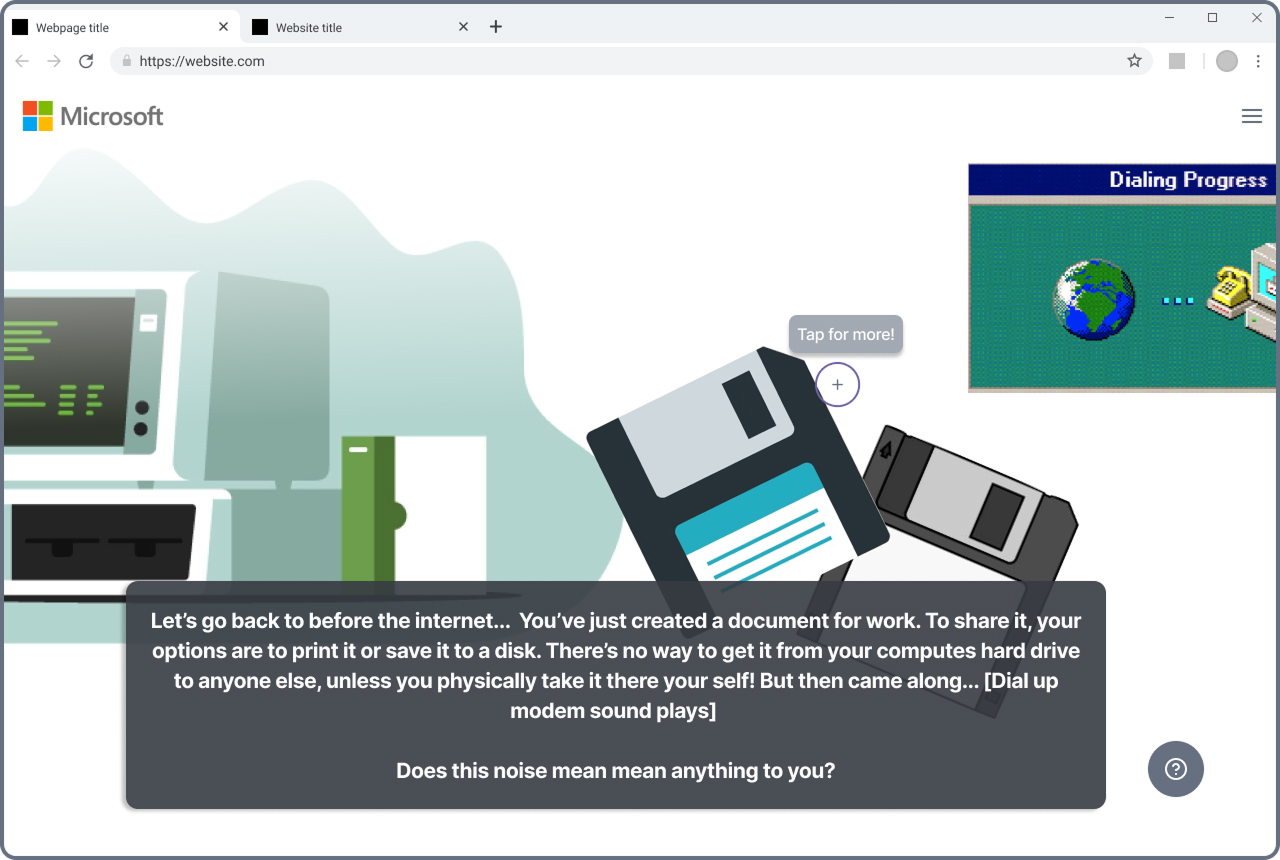 5
5 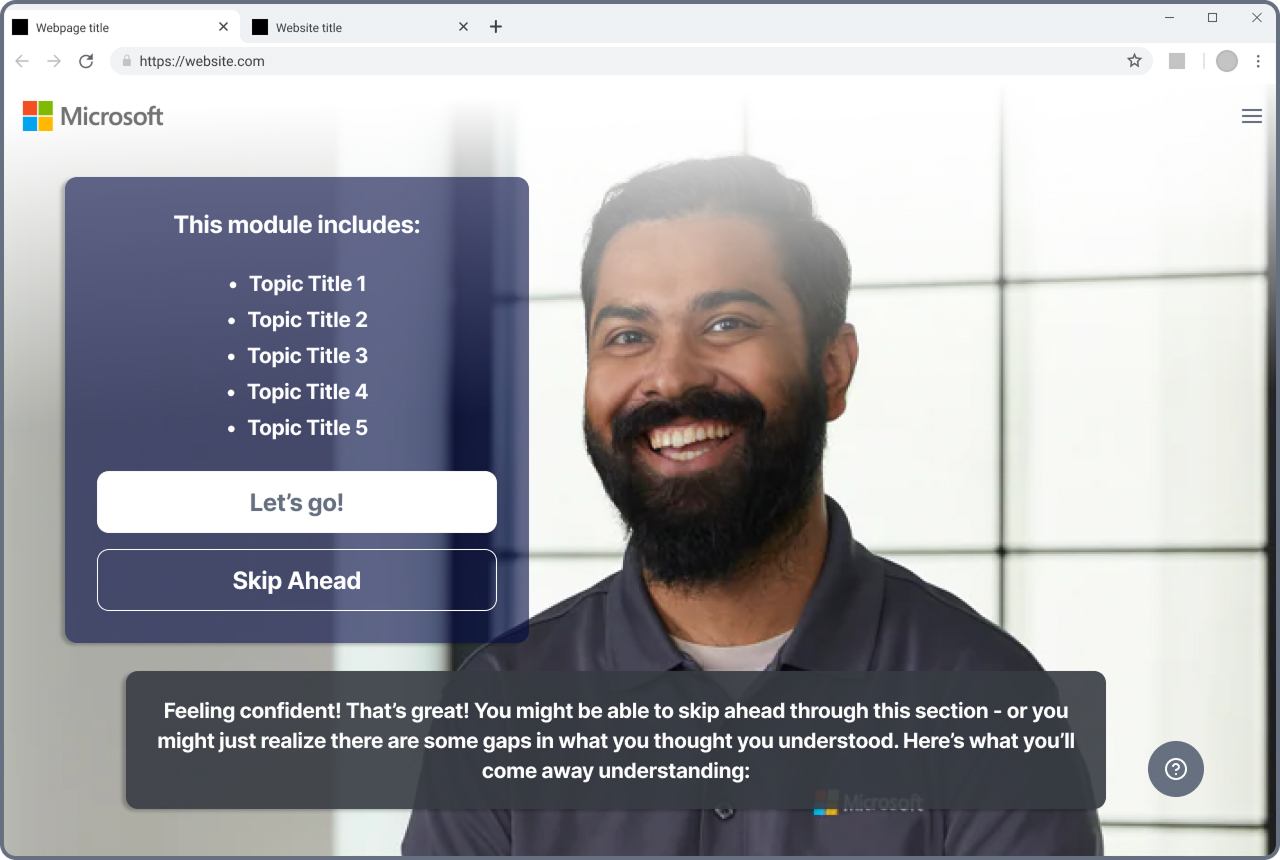 6
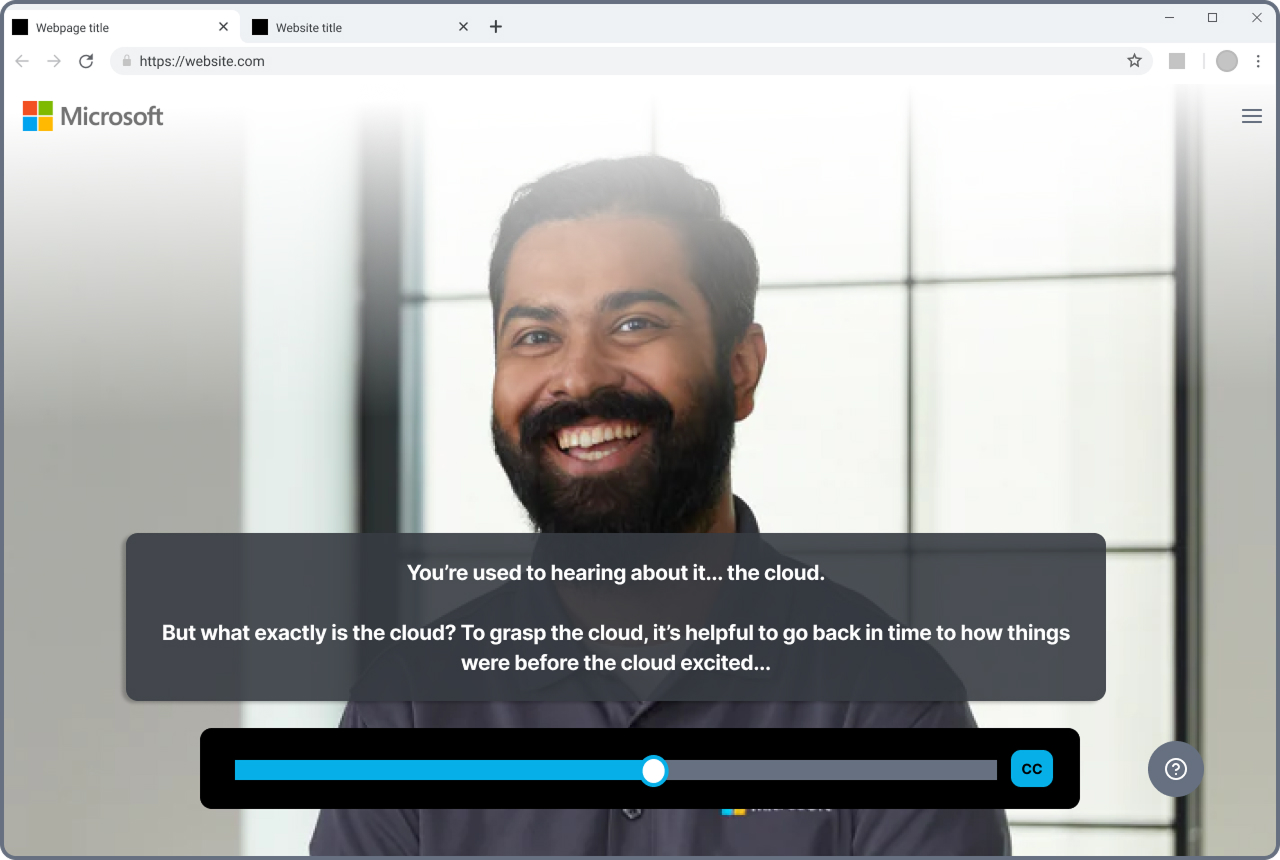
6 Interactive branching decision tree - learners choose their path through Azure cloud scenarios at each decision point (click to expand).
The Solution
I designed and prototyped an interactive branching video experience in Figma, using real video content directed by our learning team and produced by Microsoft. Learners made choices at key decision points that routed them down different paths, making abstract cloud concepts tangible through scenario-based exploration. The two companion microsites provided deeper dives into specific topics with case studies, expert trainer content, resource libraries, assessments, and system visualizations. The entire experience was designed responsive across desktop and mobile.
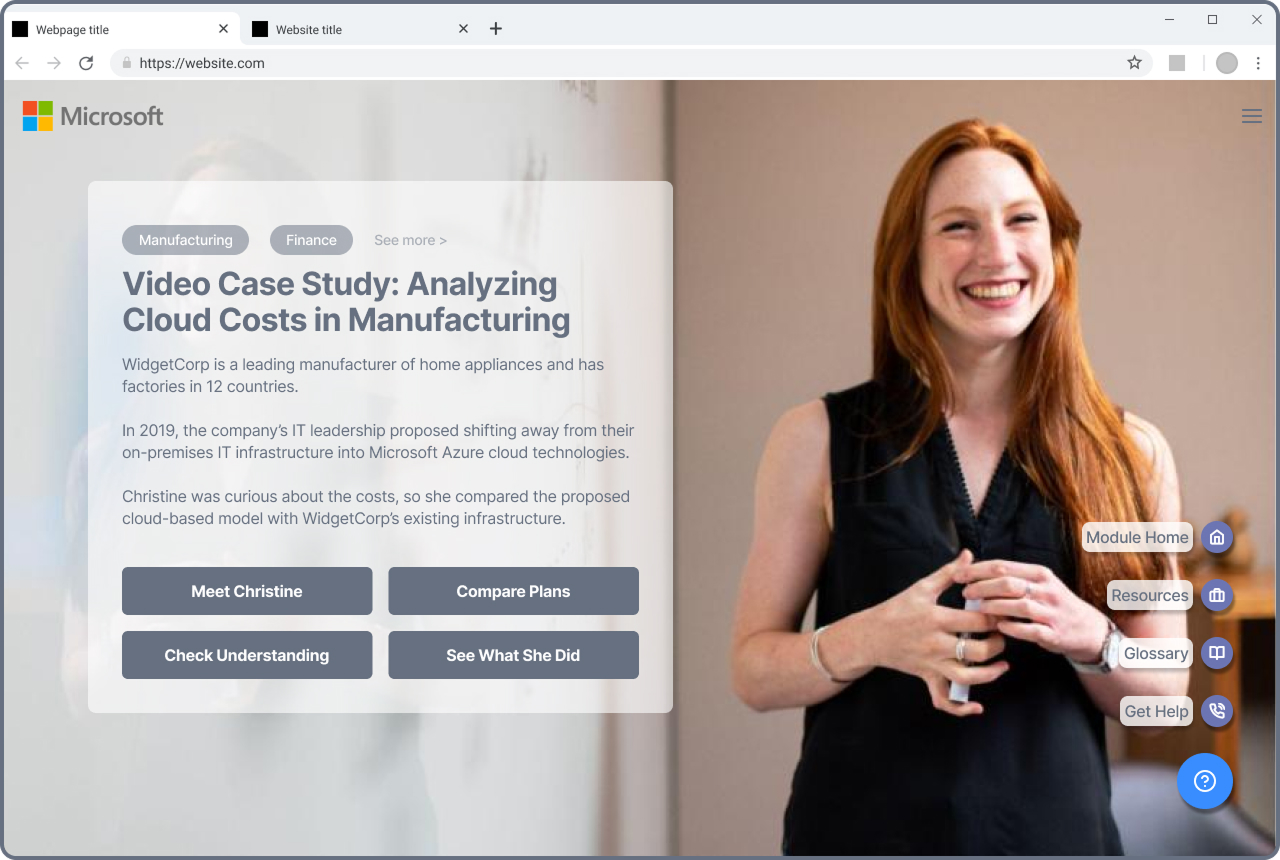
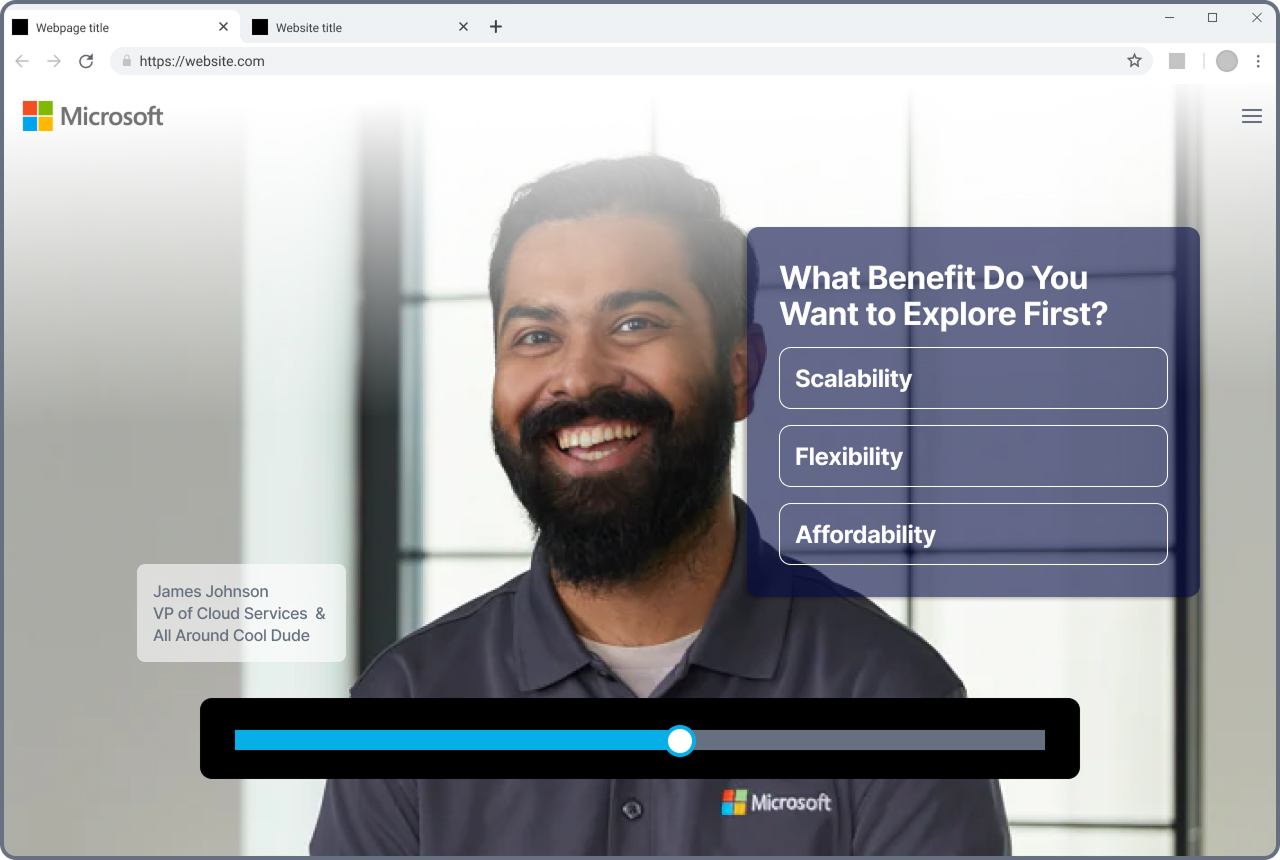
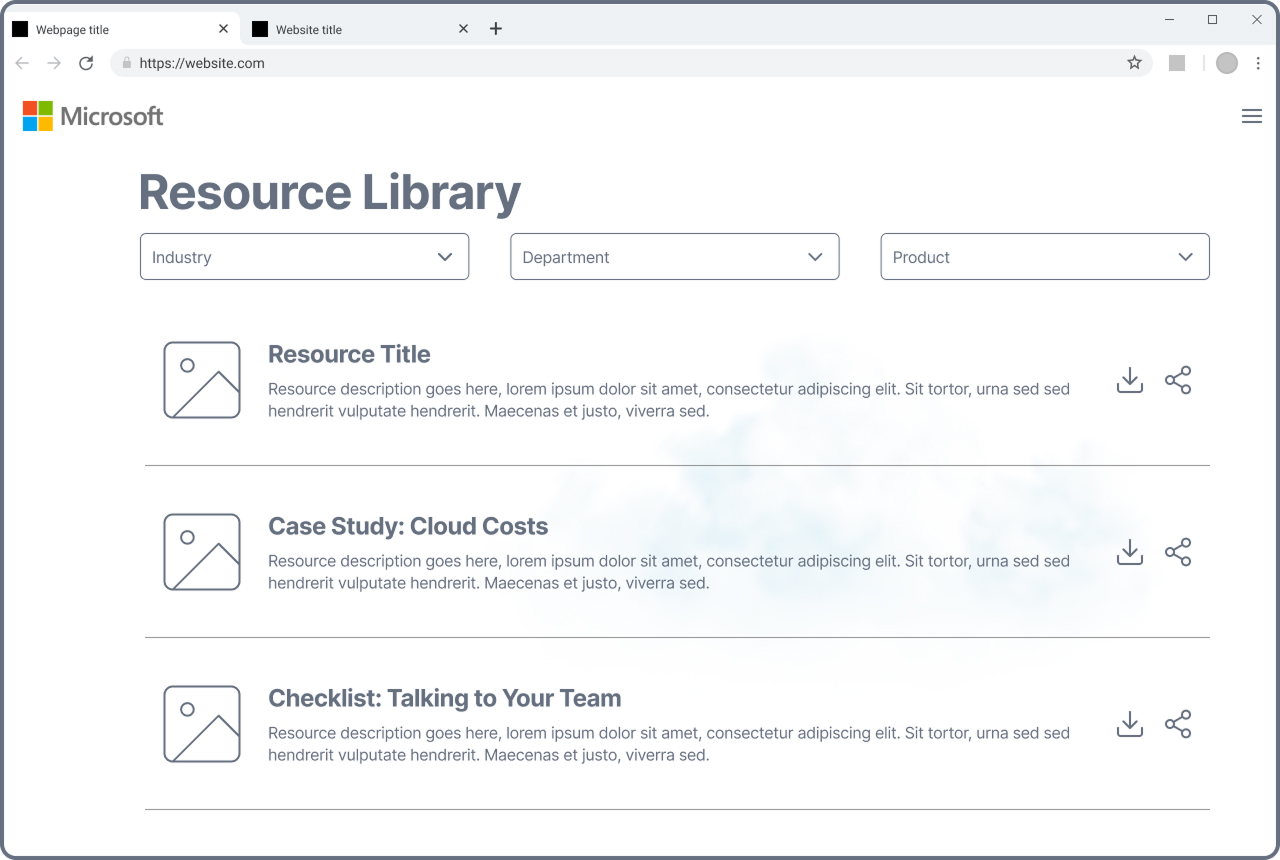
Microsite content types: case studies, expert trainers, and resource libraries
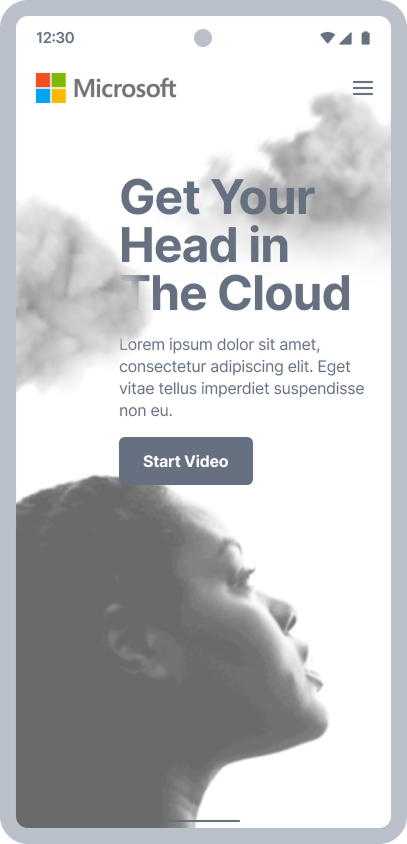
Responsive design: desktop and mobile views of the learning experience
Case study in progress - more coming soon
The Result
The Microsoft Learn team was enthusiastic about the prototypes, and the approach validated that interactive, scenario-based content could make technical cloud concepts accessible to a broader audience. Budget restructuring at the executive level ultimately led Microsoft to integrate the content into their existing platform rather than building the interactive experience as designed. The work demonstrated a compelling model for bridging the gap between introductory and advanced technical education.